If you haven't heard of Yummly before, I'm about to BLOW YOUR MIND! I love Pinterest and Google for recipe hunting when I'm not writing my own, but the ability to filter for certain criteria is limited. Usually, with most search engines, you're confined to looking for something really specific or combing through tons of results for more generic keyword searches. Ain't nobody got time for that!
Yummly has changed the game. The available filters are seemingly endless. They give you so many new ways to meal plan all while being conscious of every possible food allergy and diet out there. Looking for low carb options? They've got a way to search for that. Low sugar? Check!
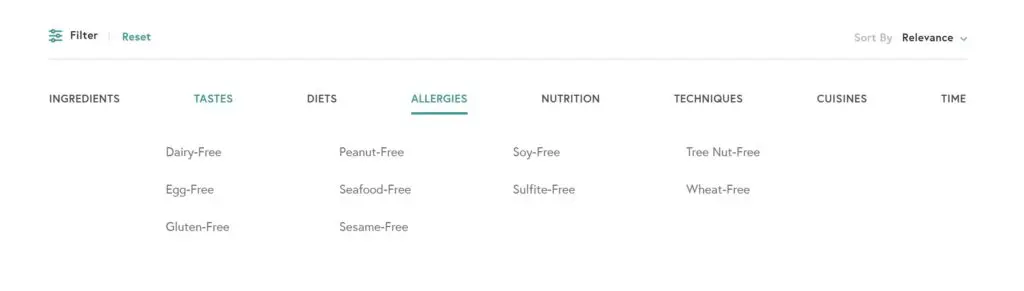
Look at all these filters guys! You can filter by diet...
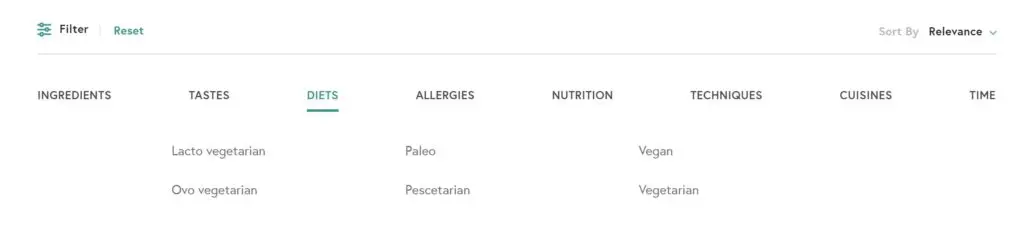
...or by allergy.
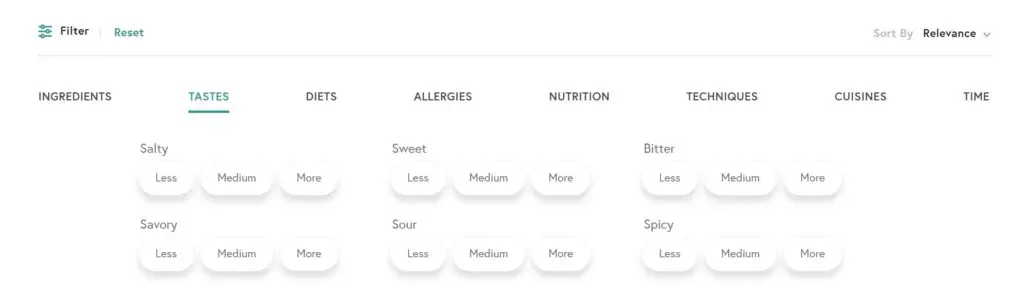
The diet and allergy options are super handy, but my personal favorite set of filters are the "Tastes." This set of filters allows you to pick less, medium or more of all the basic tastes including:
- Salty
- Sweet
- Bitter
- Savory
- Sour
- Spicy
How f*cking cool is that? I've never seen anything like it, and I absolutely love the idea. Often the cravings that cross my mind are based on a taste, like, "I want something salty right now." Yummly has made searching for the flavor you're cravin' easy!
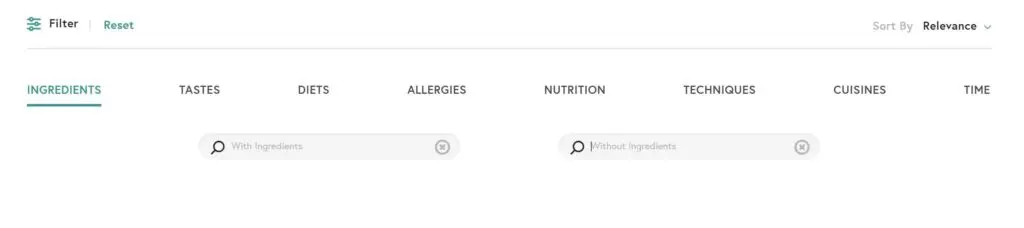
Another feature that is small but mighty, is the ability to search for recipes with or without a specific ingredient. When have you ever seen the ability to filter recipes based on not having a certain ingredient? This is such a unique and useful tool!
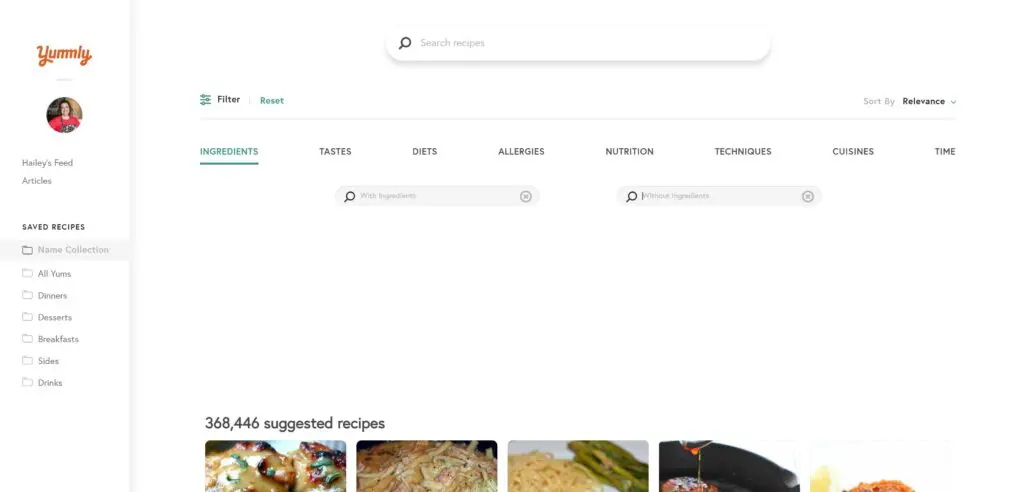
And that's just the beginning of the search options. You can search for specific items using the search bar. There are also filters for techniques (think poaching, grilling, frying, etc.), cuisines like Chinese, Mexican, etc, and the amount of time a recipe takes to prepare. Much like boards on Pinterest, you can also build your own collections to keep all your amazing recipe finds organized and easily accessible.
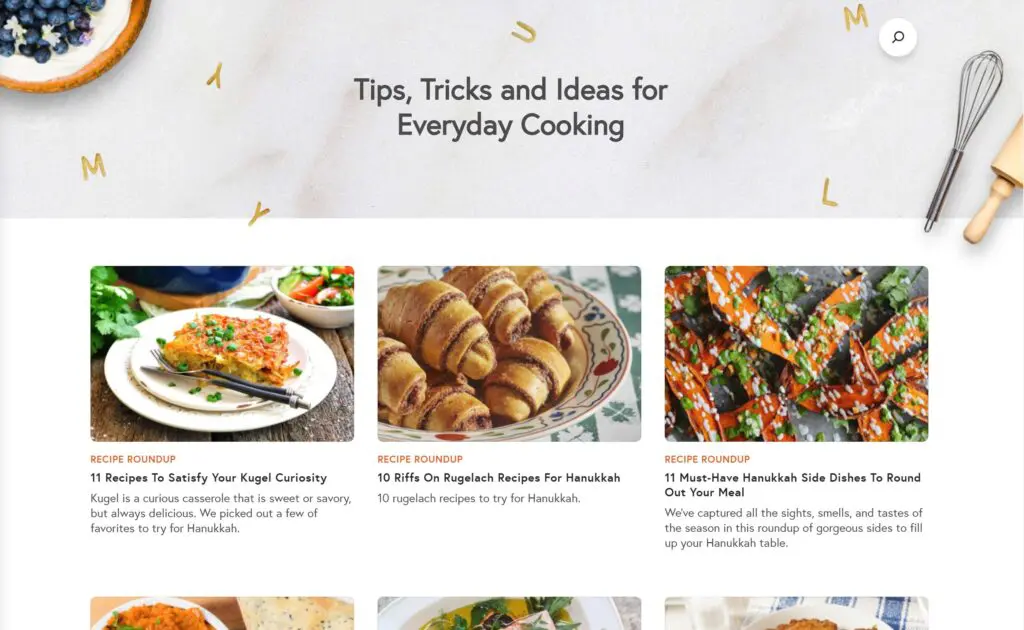
Not in the mood to search? The "Articles" section has awesome recipe round-ups and other inspiration.
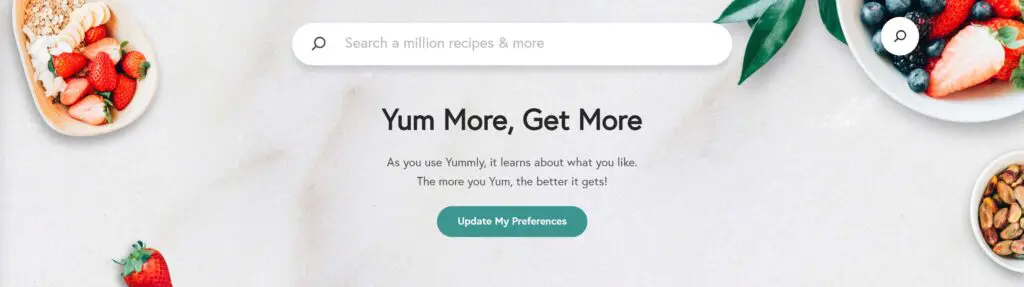
One last thing to note before you get to Yummin'. The more you use the platform, the more useful it will become. Yummly will learn your preferences and, like any good search engine, try to bring you the best content possible.
I'm trying to build up my Yummly following so please Yum any recipes you've tried or plan to!
You can find me on Yummly HERE. My handle is cookingandcussing. I know you're going to love using Yummly, and if you're already active there, please show me some love. ?


Latest posts by Hailey (see all)
- Sour Cream and Onion Skillet Biscuit - April 9, 2023
- Bacon Pesto Pasta - March 30, 2023
- Pimento Mac and Cheese - March 19, 2023
Elisa Hian says
HaileyI appreciate your skills for writing.